I love technology, especially when it makes my life easier! The HP Bluetooth Foldable Keyboard is designed just to do that. A simple easy to install program allows you to be up and typing in seconds.
Without question, this was the easiest Bluetooth install I have ever had…well, not quite, HP’s new Bluetooth headphones were just as easy, but that is for a later review.
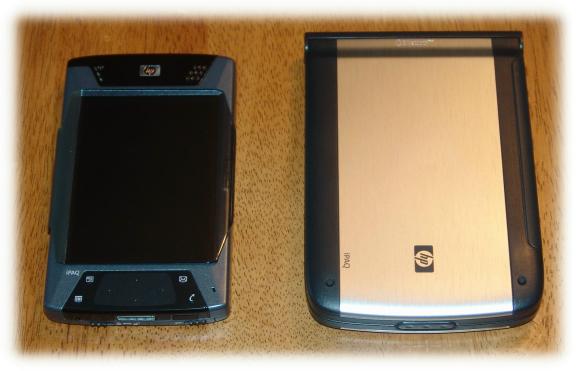
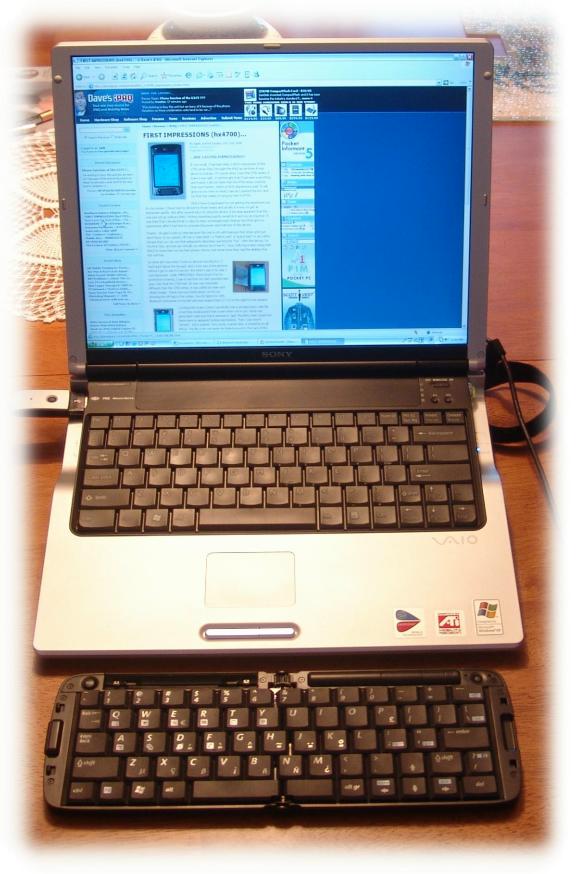
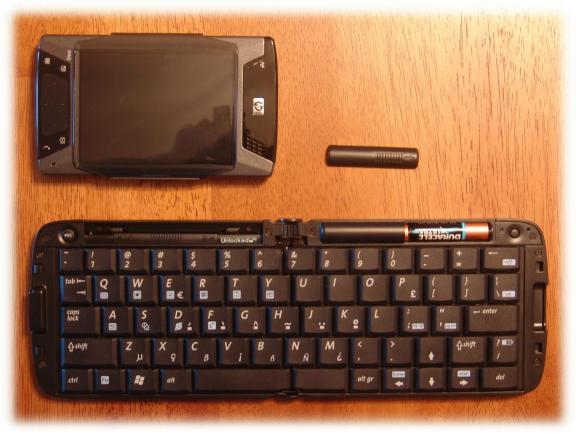
When I received my keyboard, I was really impressed with the look. A compact design, just slightly longer than my 4700 when it is closed (5.72 x 3.9 x 0.8 in), opens up into a keyboard about the same size as my laptop keyboard (11.25 x 3.8 x 0.5 in). Surrounded by a silver metal case with the edges in a black plastic, the case is hinged on one side and “locked” on the other with a double clip type holding mechanism.
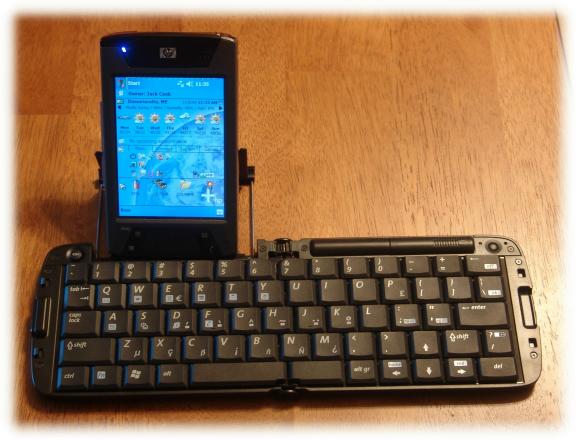
Pressing the “release lock” on the side opens the keyboard up to a standard QWERTY layout with five rows of keys. Besides the “standard keys”, there is an impressive array of lettering that will allow the multi use of keys with the function key. Located on both halves are tiny rubber feet for a cushion effect when the keyboard is sitting on a hard surface. The hinge opens flat so the center of the keyboard is balanced while the rubber feet support the outer edges.
 |
 |
 |
 |
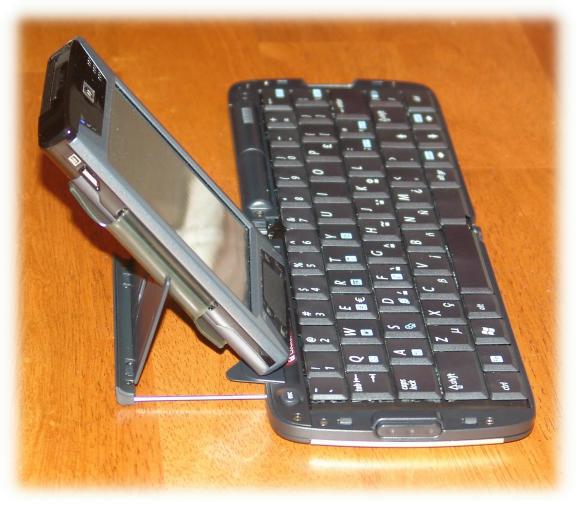
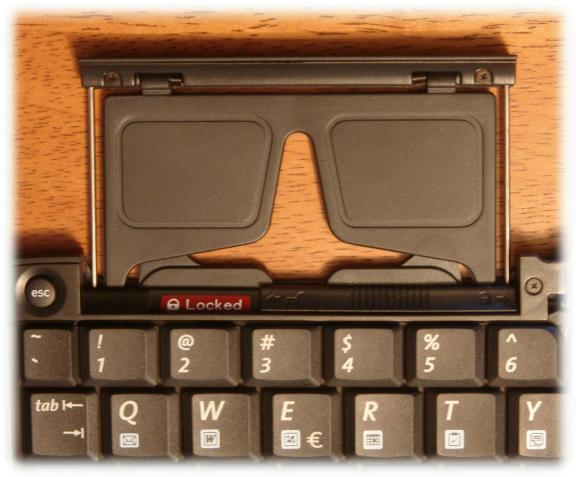
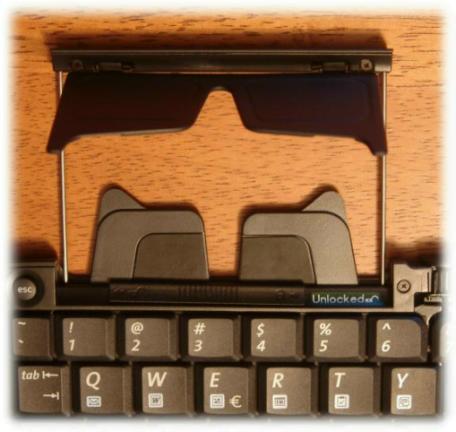
With the keyboard open, the upper right side has the power button and a compact design for the storage of the AAA batteries. The upper left side has a slide-switch for “locking” the keyboard and a “pull out” drawer that flips up allowing for the balancing of your iPAQ in either landscape or portrait positions. Your iPAQ fits perfectly and can’t slide off of its stand. Although the locking mechanism does keep the keyboard “together”, there is a slight “wobble” that I found annoying. I would have expected it to lock the two halves without any movement.
It was clear to me that this pretty simple design will allow the entering of text effortlessly. It was apparent that the engineers decided the K.I.S.S.(Keep It Simple Stupid) rule of design would be carried throughout as I started to install the software. A quick install and a message telling me that the software was installed appeared.
 |
 |
 |
Removing my iPAQ from its cradle, I open the Bluetooth Foldable Keyboard, and pressed the round connect button on the top right corner of the keyboard. The orange light began to start blinking, indicating that the keyboard could be discovered by the software. By tapping the “Enable Keyboard” check box in the program, my iPAQ began the process of finding the keyboard. In less than 3 seconds, it discovered and connected to the keyboard. It asked for a passkey to establish a pairing between the iPAQ and the keyboard (this is only required on the first connection, and after replacing the AAA batteries). I entered a few keystrokes and watched the letters appear in the “test” box. I set a few options and was effortlessly typing a test document. The whole process…maybe 4 minutes. I was impressed!